Run a tool on the selected layer
Select a layer, click a tool, and Flexile does the job. Rigs such as Overshoot add an expression with effect controls you can tweak afterwards.
- Running a tool on a selected layer
Keep the expressions and scripts you reuse as one-click tools in the Flexile panel. Test them before you save, run them on the layers you select, and find them on every computer you sign in on. Your AI app can write new ones for you.
12 built-in tools included. Free during beta on macOS and Windows.
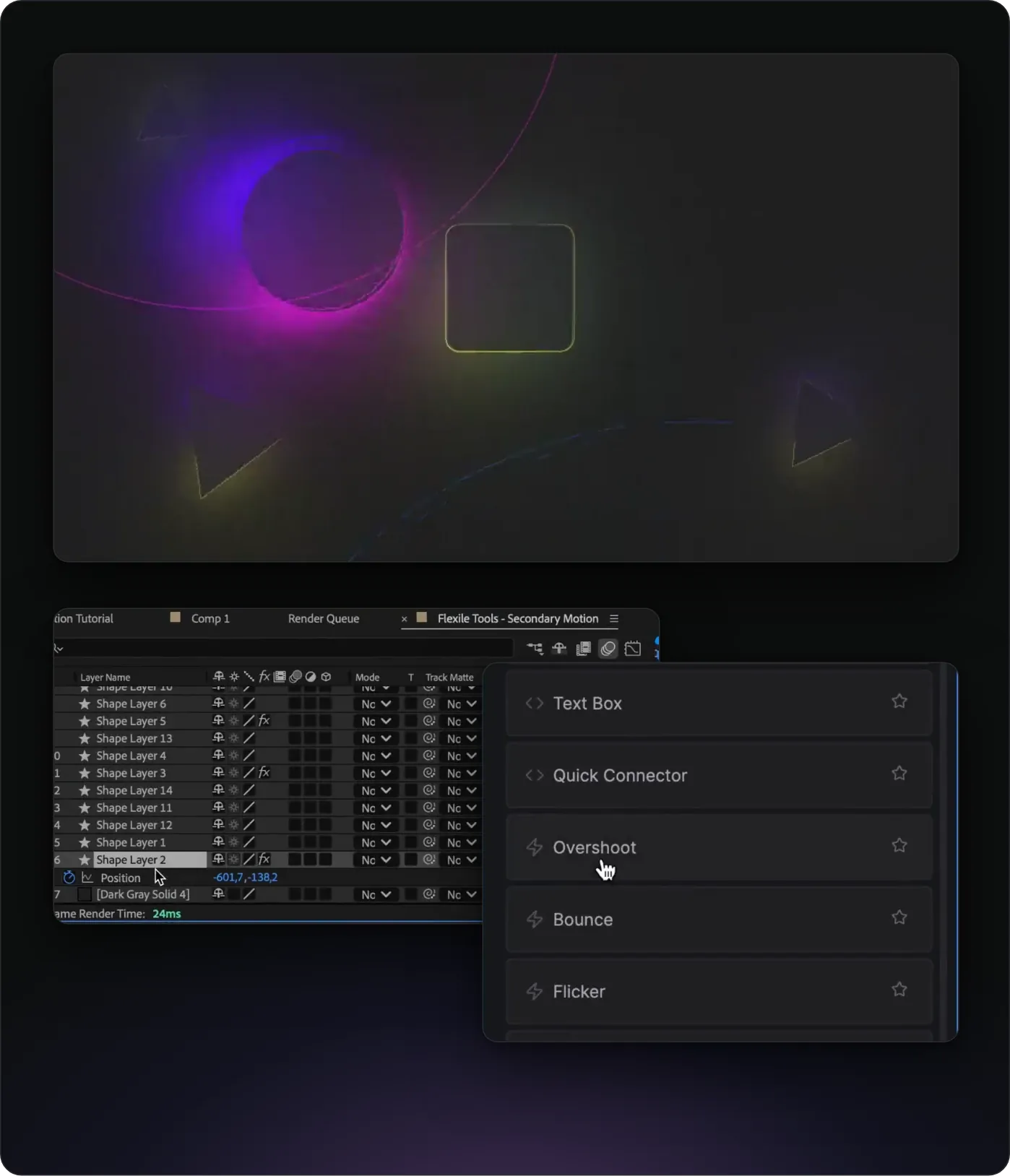
The Tools page of Flexile, our After Effects extension, is a launcher for small jobs you repeat. Each tool is one button. A Script tool runs ExtendScript once, for example to parent the selected layers to a new null. An Expression tool goes straight onto the properties you selected in the timeline.
A short, silent screen recording. The panel also has an interactive quick tools tutorial that checks your work as you go.
Select a layer, click a tool, and Flexile does the job. Rigs such as Overshoot add an expression with effect controls you can tweak afterwards.
This tutorial runs inside the panel, in the project from the video, and you get full access to that project.
They work on the layers or properties you select.
The built-in tools are read-only. To change one, copy its idea into a Cloud Tool of your own.
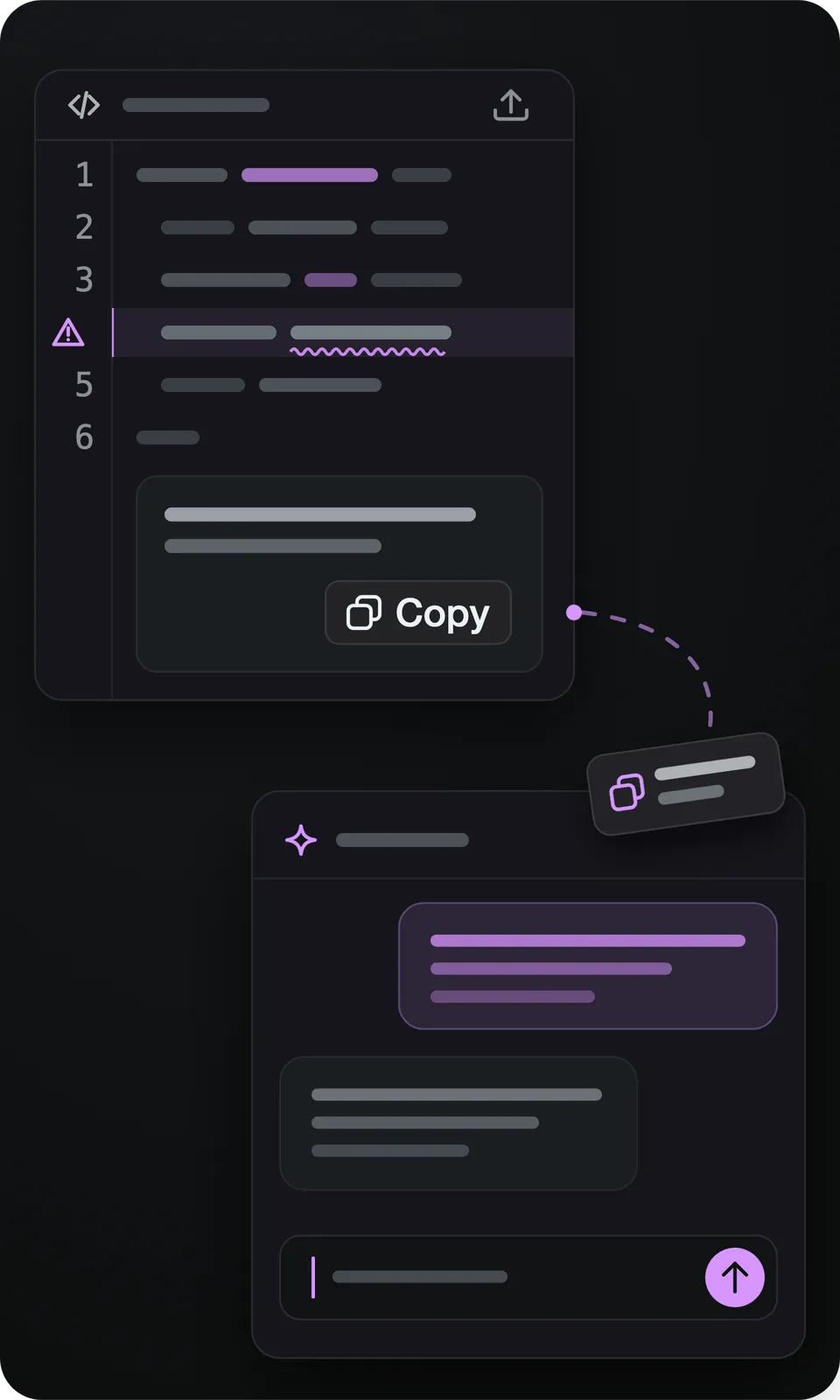
The Tools page has a code editor for your own tools. Paste an expression or a script, click Test to try it in your comp, then save it. A script’s test shows its console output, or the error and the line it points to.
A saved tool holds up to 1,000 characters of code and a name of up to 100 characters. It syncs to your Flexile account, and Refresh cloud tools pulls in tools you saved on another computer. The step-by-step guide: how to save and reuse expressions in After Effects.
Select one or more properties in the timeline, such as Position on three layers, and click an Expression tool. Flexile writes the expression onto every selected property in one undo step and confirms how many it changed. There is nothing to paste and no expression field to open.
Used the wrong way, the tool tells you instead of failing silently. With no property selected you get “No properties selected.” With no comp open, “No active composition.” A selected property that can’t hold an expression is skipped and named in the message, while the others still get it.
Since Flexile 0.17.0, the After Effects MCP server built into the panel gives AI apps the flexile_tool tool. With it, the AI lists, creates, edits, runs and deletes your Cloud Tools. A tool it saves appears on your Tools page straight away.
Code is checked before it is saved: an expression is parsed as JavaScript and a script is checked by After Effects. Broken code, a duplicate name or the name of a built-in tool is refused instead of saved. A prompt to try:
Write an expression tool called “Pulse” that makes Scale pulse between 100% and 110% twice per second, save it, and run it on the Logo layer.
No MCP app? Ask any chatbot for the code and paste it into a Cloud Tool, as in our guide to ChatGPT for After Effects. Setup for Claude, ChatGPT desktop and Cursor is in the AI setup guide.
Click a layer in After Effects and the Flexile panel shows its name, or “Multiple layers”, together with the extra actions that fit that layer. The same live context tells the Text, Elements and Audio pages what you are working on.
ExtendScript has no event for a selection change, so a panel that relies on it alone has to ask on a timer or wait for a click. Flexile installs a small native After Effects plugin that reports the selected layers to the panel as soon as they change. On Windows that plugin needs an administrator install. Without it, the panel checks the selection once a second.
Other ways to keep scripts and expressions one click away, with prices from each official page, checked 5 October 2026. Flexile is our own product.
What Flexile does not have: buttons for menu commands, effects or shell commands, toolbars you can share, and tools longer than 1,000 characters. Cloud Tools belong to one account and can’t be shared yet.
Adobe After Effects 2025 or newer, the supported version
macOS or Windows
A free Flexile account, which Cloud Tools need (pricing)
For AI-written tools: Flexile 0.17.0 or newer and an MCP app such as Claude Desktop, ChatGPT desktop or Cursor
Yes, during the beta, with every feature unlocked and no card. Cloud Tools need a free Flexile account. When paid plans start, they will be announced in advance and nothing is charged automatically.
A Script tool runs ExtendScript once and can change the whole project, such as creating or moving layers. An Expression tool writes an expression onto every property you selected in the timeline, where it keeps calculating the value. With no property selected, it says so instead of doing nothing.
Yes. Cloud Tools are saved to your Flexile account. Sign in on another computer and click Refresh cloud tools. One account can be used on two computers by one person.
Up to 1,000 characters of code. Test does not check the length, so code that passed Test can still be refused at Save. Shorten it, or remove comments.
Write to us at contact@flexile.io.
The same panel also does this, free during beta.
Ease every selected keyframe at once: 26 presets, Peak and Smart modes.
Animate text by character, word or line with 15 effects.
Preview a transition, double-click to insert it and retime it to the cut.
Turn the kick, the bass or any frequency band into keyframes.
Turn speech or lyrics into subtitle layers with a model on your computer.
Let Claude, ChatGPT desktop or Cursor work in your After Effects project.
Every feature unlocked while Flexile is in beta, Cloud Tools included. No card, no trial.
macOS and Windows