After Effects MCP servers compared: five options for your AI app
Five After Effects MCP servers side by side: four open-source projects on GitHub and Flexile. Which After Effects versions they list, what you install and who each one fits.
By Filip Miernik
Comparison
4 min read
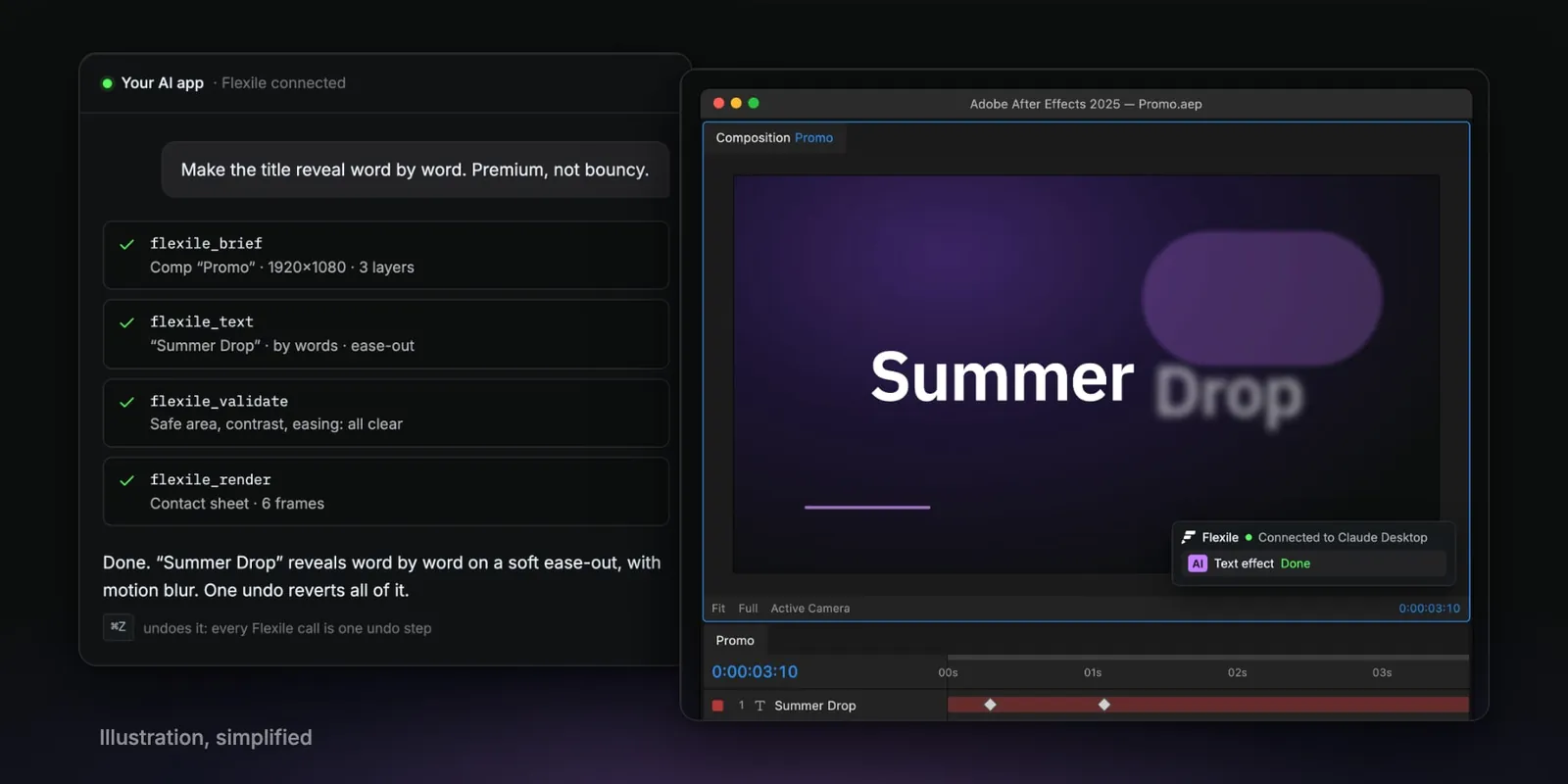
An After Effects MCP server lets an AI app such as Claude or Cursor work inside After Effects. This post lists five: four MIT-licensed projects on GitHub and Flexile, our extension. They differ in the After Effects versions they list, whether you install Node.js and what runs inside After Effects.
Flexile is our product. We have not tested the others side by side, so we rank none of them. The open-source facts come from each README, checked 25 September 2026. MCP (Model Context Protocol) is the standard way AI apps call tools.
The five servers side by side
MCP server | After Effects | Node.js | Inside After Effects | Licence and price |
|---|---|---|---|---|
2022 or later | 14 or later, you install it | A ScriptUI bridge panel, kept open | MIT, free | |
Flexile | 2025 or newer | 22.17.0, ships inside the extension | The Flexile panel, nothing extra | Free during beta, with a free account |
2024 or later | 18 or later, you install it | A CEP extension | MIT, free | |
2022 or later | 18 or later, you install it | A ScriptUI bridge panel | MIT, free | |
2024 to 2026 | 24 or later, you install it | Nothing | MIT, free |
Setup is where they differ most. With the open-source servers you install Node.js yourself, and three of them add a bridge inside After Effects. With Flexile, setup is one click in the panel and a restart. For Claude Desktop:
- In After Effects, open Window > Extensions > Flexile for AE and sign in.
- On the panel’s AI page, pick Claude Desktop and click Connect Claude Desktop.
- Quit Claude Desktop completely, then open it again. On Windows, quit it from the tray icon.
- In a new chat, find Flexile under + > Connectors. Then ask: “Animate my title with Flexile.”
Cursor connects with one click too. For other apps, see use Flexile with AI.
Which one fits you?
- Dakkshin/after-effects-mcp fits developers on After Effects 2022 or later who want code they can read and change. You install Node.js 14 or later, clone and build the project, and keep its ScriptUI bridge panel open.
- Flexile fits artists on After Effects 2025 or newer who want nothing extra to install. Node.js ships inside the extension, and Claude Desktop and Cursor connect in one click. Its 13 tools work through Flexile’s easing, text effects, tools and audio, and the AI can still run plain ExtendScript. It needs a free account, and the AI can’t reach Elements yet.
- ishu86/after-effects-mcp fits After Effects 2024 or later, with a CEP extension as the bridge instead of a ScriptUI panel. It needs Node.js 18 or later.
- a-y-ibrahim/after-effects-mcp fits After Effects 2022 or later, with a ScriptUI bridge panel and Node.js 18 or later.
- kumoproductions/mcp-aftereffects fits users who want nothing installed inside After Effects. It lists After Effects 2024 to 2026, needs Node.js 24 or later and, on macOS, Automation permission.
Where to go next
- What each of Flexile’s 13 tools does: Flexile’s After Effects MCP server.
- Connecting Claude, Cursor or another app, step by step: use Flexile with AI.
- Working in ChatGPT: ChatGPT for After Effects.
Related posts
Best AI plugins for After Effects (2026)
AI plugins for After Effects that add an AI assistant, let Claude and Cursor work in your comps, generate images and video, or make depth maps and captions. Prices and versions from each official page, September 2026.
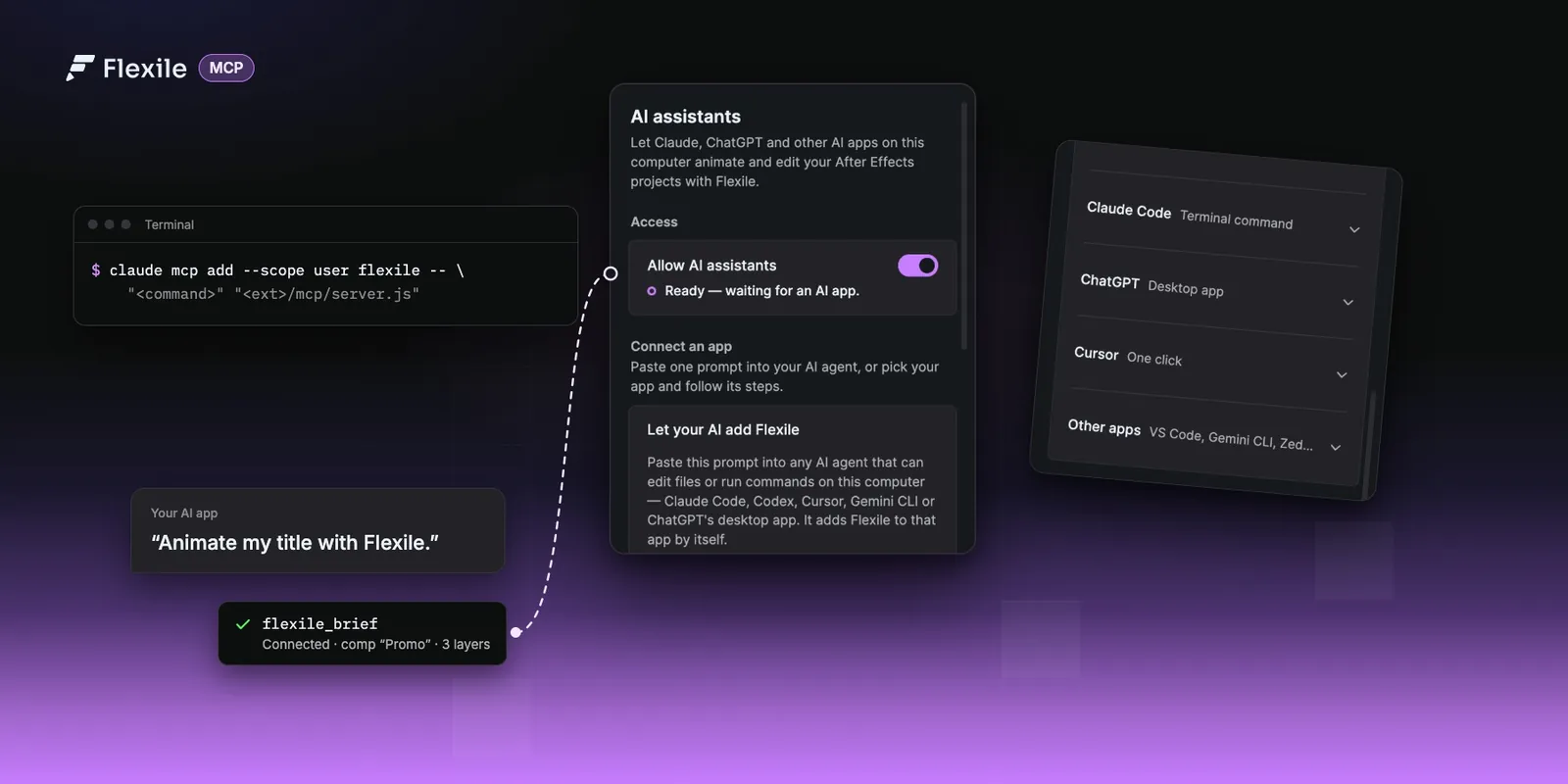
Use Claude, ChatGPT or Cursor in After Effects (MCP setup)
Connect Claude, ChatGPT desktop, Cursor or any MCP app to Flexile and let it animate, caption and check your After Effects projects. Set-up for every app, how it works, and prompts to try for each panel.
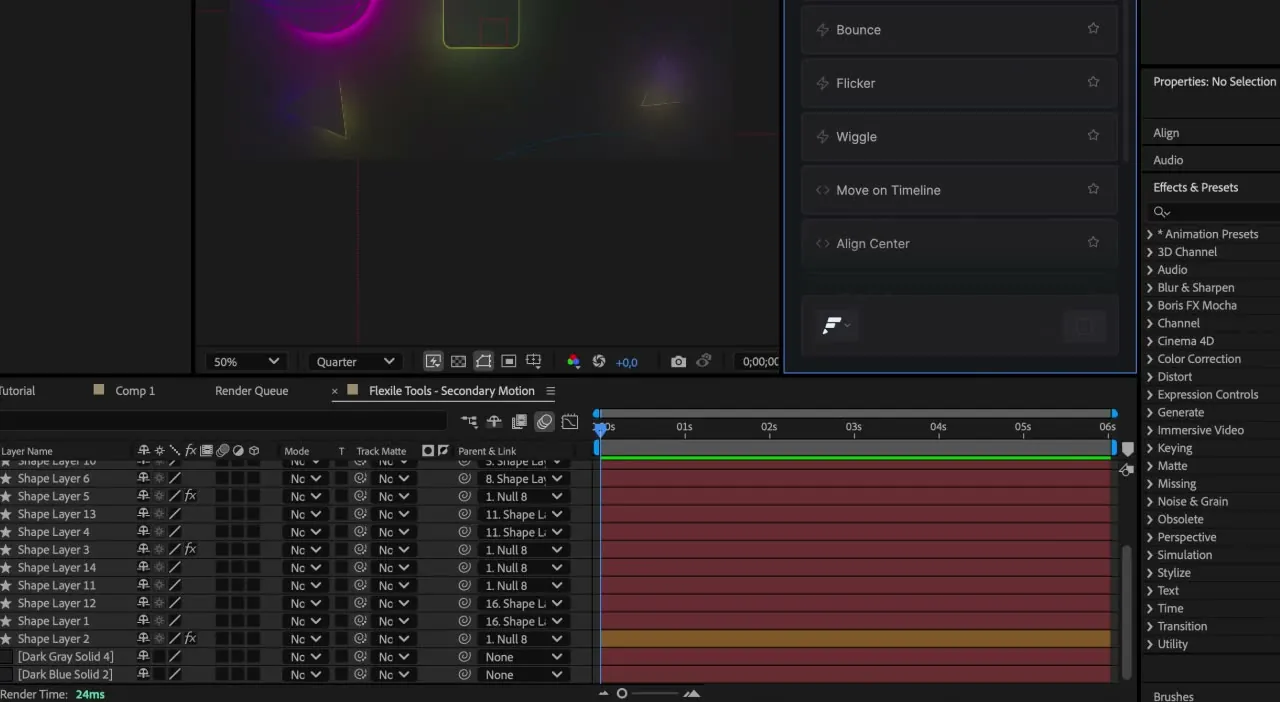
ChatGPT for After Effects: expressions, scripts and MCP
Two ways to use ChatGPT with After Effects: test and run the expressions and scripts it writes in a Flexile tool, or connect the ChatGPT desktop app or Codex so it works in your comp.